Twilio Integration

Two-Way Texting for Auto Repair Shops

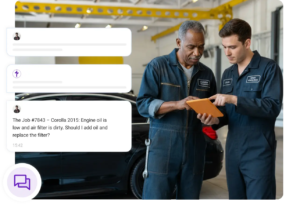
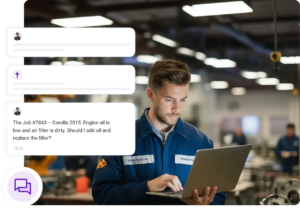
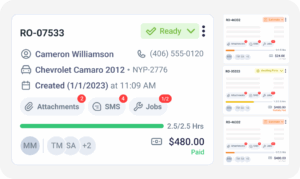
Playing phone tag with customers slows every approval and delays every job. Torque360’s Twilio integration brings two-way texting for auto repair shops directly into the repair order workflow, so service advisors can text customers from ROs, send automated SMS updates, and manage every conversation inside the shop management software. Texting sends through your shop’s own registered Twilio number, with custom SMS templates, full message history, and delivery reports inside Torque360. Trusted by 1,000+ repair shops across auto, truck, motorcycle, RV, and powersports.

  • Text customers from any repair order (RO)

  • Send automated SMS updates & appointment reminders

  • Handle two-way SMS with customers inside Torque360

  • View custom SMS templates & message history

How It Works?

How Does the Torque360 Epicor
Integration Work?

Torque360 with Twilio integration runs on your own Twilio account. You handle the Twilio side first, including your phone number and A2P 10DLC brand and campaign registration, inside the Twilio Console. Then you connect that account to Torque360. Once connected, service advisors send and receive SMS from the same repair order they use to log parts, labor, and inspection findings, with every message tied to the customer record.

Create Your Twilio Account

Sign up for a Twilio account using your shop’s legal business details. The account, the number, and the billing relationship stay in your shop’s name from this point forward. Torque360 does not create or resell Twilio accounts.

Buy Your Shop’s Texting Number

Purchase the 10-digit phone number your shop will text customers from inside the Twilio Console. Choose a local area code your customers will recognize when a message arrives on their phone. Carriers tie your registration to this number.

Register Your Brand and Campaign

Complete A2P 10DLC brand and campaign registration inside the Twilio Console. Twilio collects your legal business name, EIN, address, and message use case, then submits the campaign to the carriers. Registration happens entirely in Twilio, not in Torque360.

Connect Twilio to Torque360

Once your campaign is approved, copy your Twilio credentials from the Console and enter them in Torque360 under Settings. Saving the connection links your registered number to your Torque360 account. Texting is then available from every repair order.

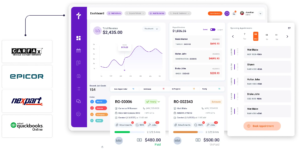
Integrate Your Entire Workflow

What Is A2P 10DLC and Why Does Your Shop Have to Register?

A2P 10DLC (Application-to-Person 10-Digit Long Code) is the US framework that governs business text messages sent from standard 10-digit phone numbers. US carriers require every business sender to register before messages are delivered reliably. Registration is completed on the messaging platform that holds your number, which for Torque360 shops is Twilio. Unregistered traffic gets filtered, and filtered messages never reach the customer.

Brand registration submits your shop’s legal business name, EIN or tax ID, address, and contact details to the carrier registry. This is a one-time identity check confirming a real business is behind the number. It is completed inside the Twilio Console.

Campaign registration describes the messages your shop intends to send, including the use case, sample message text, and how customers opt in. Carriers review this before approving traffic on your number. Estimate approvals, job updates, and appointment reminders are declared here.

Brand and campaign submissions go to the carrier registry for review, and approval time is controlled by the carriers rather than by Twilio or Torque360. Some campaigns clear quickly, and others take several business days. Plan your go-live around carrier review.

You purchase your texting number inside Twilio, and that number stays in your shop’s name along with the account and the billing relationship. Torque360 does not create, own, or resell messaging accounts or numbers. The number goes with you if you leave.

Quickbooks’ top-notch security measures
Quickbooks automotive accounting software

How Does Two-Way Texting Reduce Missed Approvals in Repair Shops?

Most repair shop delays come down to communication gaps. Customers ignore calls but read texts. Voicemails go unreturned. Approvals stall, waiting for a callback. Two-way texting inside Torque360 keeps the conversation moving through the channel customers actually respond to, without pulling advisors out of the repair order.

Service advisors send texts from repair orders using the shop’s registered SMS number inside Torque360 instead of using personal cell phones. Customer communication stays professional, every message is logged to the customer record, and shop owners keep a full history of who said what and when.

Send the estimate by text and get an approval reply in minutes instead of hours. Faster estimate approvals move ROs through the shop quicker, protect billable hours from stalled jobs, and give service advisors more time to work on other repair orders.

Automated text reminders reduce no-shows before they cost the shop a booked bay. For recurring reminder campaign features and appointment scheduling reminders, see the Reminder Campaigns page and the Appointment Reminders page.

Notify customers instantly when the vehicle is ready for pickup, or the invoice is finalized. Faster pickup times free up bay space, faster invoice notifications speed up payment collection, and customers get the answer they’ve been calling to ask before they need to call.

How Does Automated SMS Improve Customer Communication?

Retyping the same message to every customer wastes advisor time and creates inconsistent communication. Torque360’s automated SMS updates pull customer, vehicle, and repair order information into pre-built templates, so every text goes out with the right details without a service advisor typing them one at a time.

The customer hears from the shop the moment the status changes, before they think to call and ask. One click at each stage of the job replaces four voicemails, three callbacks, and a frustrated pickup at 5:45 pm.

Every message a busy advisor sends more than twice a week deserves a template: estimate follow-ups, ready-for-pickup notices, invoice-ready alerts, and thank-you-for-the-visit outreach. Set it up once, send it 100 times.

The technician needs the customer’s yes on an added-labor line, and the advisor has already stepped away to handle a walk-in. The reply hits the RO where the technician is already working. No runners across the bay, no walkie-talkie relays, no unauthorized work waiting on a callback.

See which messages were delivered, which got responses, and how customers are engaging with the shop’s SMS communications. SMS message history and delivery reports live inside Torque360, so shop owners can see communication performance alongside job performance in one place.

Keep Every Customer Update Connected to the Repair Order

Connect your registered number to Torque360 and send every customer text from the same platform where the repair order lives. Automated SMS updates, two-way texting, and invoice notifications tie back to the RO and the customer record without extra tools, extra phones, or extra apps to check.

Built to Power Entire Auto Shop Operation

Why Repair Shops Choose Torque360 for
Customer Texting

Repair shops need more than the ability to send a text. They need a texting channel that lives inside the workflow, keeps records for every conversation, respects the compliance rules for business SMS, and doesn’t rely on personal phones or scattered tools. Torque360’s texting was built for how shops actually communicate with customers.

Nothing walks out when staff turns over

An advisor leaves, and the customer conversations stay. The shop’s SMS number doesn’t change. The customer relationship doesn’t reset. New advisors pick up mid-thread on the last customer message like nothing changed.

The message thread sits next to the job evidence

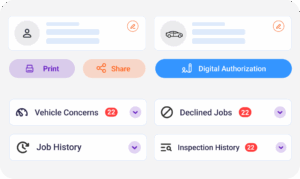
The SMS thread lives beside the technician notes and digital authorization for the same repair order. Disputes and callbacks resolve from one screen instead of a screenshot search across a personal phone, an email inbox, and the shop management software.

Your shop owns the number and the account

The messaging account, the registered number, and the billing relationship stay in your shop’s name. You pay your provider’s published rates directly for message volume with no Torque360 markup. If you ever leave, the number goes with you.

Consistent voice across every shift

A new advisor sends messages that sound like the shop from day one. Weekend coverage doesn’t drop the tone. Every customer gets the same clear update whether the job is opened Monday morning or closed Friday at 4 pm.

Text approvals hold up in disputes

A customer’s texted “yes” on an added labor line is a written record tied to the RO, the timestamp, and the phone number on file. Verbal approvals over the phone leave nothing behind. Texted approvals leave a paper trail the shop can point to.

How Does Twilio Integration Connect to the
Rest of Your Repair Workflow?

Two-way texting is one channel, not a standalone tool. Messages sent through Torque360 stay connected to appointment scheduling, repair orders, digital vehicle inspections, invoices, and customer records, so every conversation supports the job it belongs to instead of sitting in a separate app.

appointment-booking-widget

Book jobs, manage calendars, and reduce no-shows.

digital vehicle inspection software

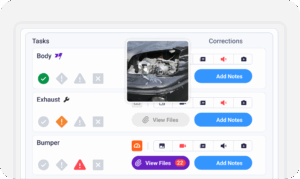
Capture photos and videos. Add notes and findings.

auto repair estimating software

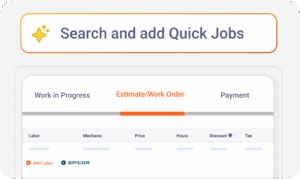
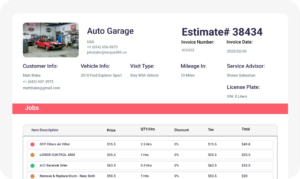
Build accurate estimates with labor, parts, and pricing.

repair order software

Convert approved work into organized repair orders.

auto repair invoicing software

Generate invoices from completed labor and parts.

auto repair job board software

Track jobs, assign technicians, and monitor progress.

In Their Own Words

Fewer Missed Approvals. Faster Pickups.
Better Customer Experience.

Repair shops use Torque360’s two-way texting to move estimates through faster, hold booked appointments, and clear finished vehicles the same afternoon they’re ready. Fewer stalled ROs, more billable hours captured, better reviews at the end of the visit.

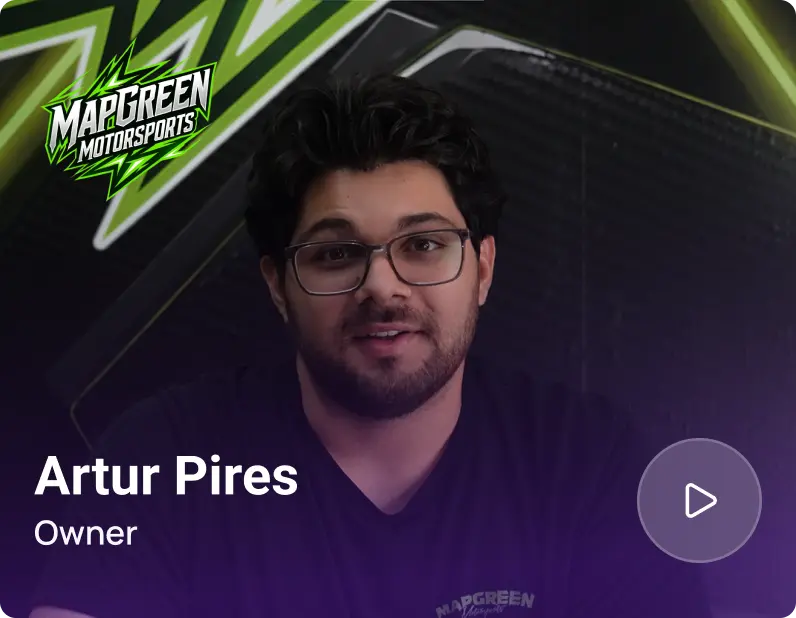
Artur Pires, Owner at Mapgreen Motorsports
Mapgreen Motorsports

"Torque360 changed everything for us. On long projects, nothing gets lost anymore. Labor, parts, approvals, it’s all there. Since using it, I haven’t lost a single cent."

View Story
75%
Missed Revenue Prevented
2x
Increase in Project Visibility
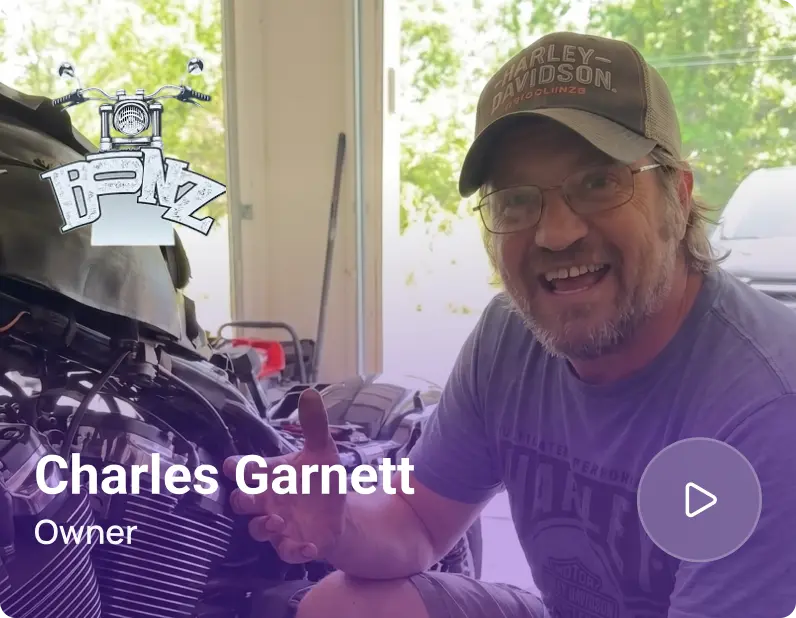
Cauy Cuthbertson, Owner at Charles Garnett
Charles Garnett

“Torque360 has everything I was looking for. From scheduling and tracking jobs to QuickBooks Online integration and Torque Pay, it helps me stay organized.”

View Story
8+ Hrs
Saved on Daily Operations
100%
Same-Day Invoicing with TorquePay
Himel, Owner at Halal Auto Care
Halal Auto Care

"We were doing estimates and tracking jobs manually, and it caused delays and confusion. Now with digital estimates and invoicing, everything is faster and more organized."

View Story
50%
Faster Estimate & Job Processing
1.2x
Higher Customer Capacity
Shop owner video testimonial
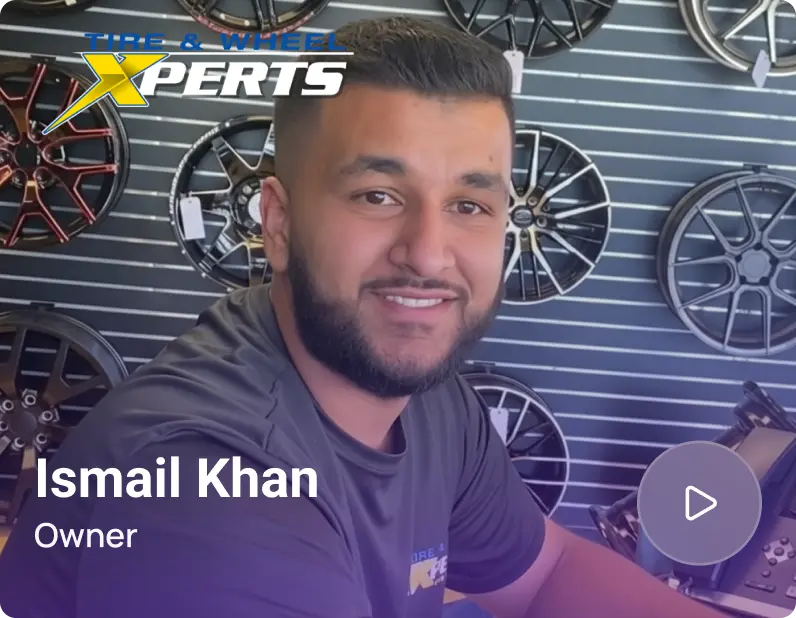
Tire & Wheel Xperts

“Torque360 makes everything easy, efficient, and professional. Each invoice only takes about one to two minutes now. I recommend it 100%.”

View Story
1-2 min
Invoice Creation Time
95%
Automated Inventory Sync
Shop owner video testimonial
Cauy Cuthbertson

"Torque360 helped us bring everything into one place. Jobs, parts, and invoices are easier to manage, and the shop runs more smoothly day to day. It gives us the structure we needed."

View Story
100%
Centralized Shop Workflows
2x
Boost in Operational Efficiency

Two-Way Texting Built for Every Type of Repair Shop

Every repair shop depends on fast, professional customer communication. Torque360 supports auto, truck, motorcycle, RV, tire, fleet, and powersports shops with the same two-way texting workflow, tied to the repair order and the customer record from one platform.

Mechanic Shop

Motorcycle Repair

Truck Repair

Oil Change

Tire Repair

Mobile Mechanics

Testimonials
Shop Owners Share Their Twilio Integration Experience
google
capterra
trustpilot
G2 Award Badge for User Love in Auto Repair Shop Software

Text Customers From Every Repair Order

Stop chasing approvals by phone and stop losing pickups to voicemail. Connect your registered Twilio number to Torque360, send SMS updates from the RO, and keep every conversation attached to the job and the customer record.

  • Send and receive SMS from inside Torque360

  • Automate updates, reminders, and invoice notifications from repair orders

  • Send from your shop’s own A2P 10DLC registered number

  • Keep every message logged and searchable to the customer record

Frequently Asked Questions

Torque360 lets service advisors send and receive texts from inside the shop management software. Send automated SMS updates, appointment reminders, and invoice notifications directly from the repair order, and reply to customer messages without leaving Torque360.

Yes. Customer replies route into Torque360 next to the repair order they belong to. Advisors respond from the same screen, and the thread stays with the customer record for the life of the account.

Send the matching SMS template from the RO at the points that fit your workflow: status change, ready for approval, invoice finalized, and pickup ready. Customer name, vehicle, and job details fill in automatically from the repair order.

Automated text reminders reduce no-shows before they cost a booked bay. For the reminder campaign feature and dedicated appointment reminders, see the Reminder Campaigns page and the Appointment Reminders page, both built on the same texting channel.

Yes. Torque360 integrates with Twilio to power two-way texting for auto repair shops. Once connected, service advisors send SMS updates, appointment reminders, and invoice notifications directly from repair orders inside Torque360, and every message is logged to the customer record.

Yes. Torque360 does not provide or resell messaging accounts. Your shop creates its own Twilio account at twilio.com, purchases a number, and completes A2P 10DLC registration in the Twilio Console. You then enter your Twilio credentials in Torque360 under Settings to connect the two platforms.

Two-way texting is available on Torque360’s Turbo and Supercharged plans.

Yes. Build as many custom SMS templates as your shop needs, including separate templates for different job types, vehicle categories, or customer segments (fleet vs retail, new vs returning). Each one pulls the live customer and RO details, so what goes out is accurate to that specific job.

Business texting in the US generally requires customer consent (opt-in) before messages are sent, and shops must honor opt-out requests (customers reply STOP). Rules vary by state and situation; see our compliance blog for a plain-English overview of TCPA basics and A2P 10DLC brand registration. This is general information, not legal advice; consult qualified counsel for guidance specific to your shop.

A2P 10DLC (Application-to-Person 10-Digit Long Code) is the US framework for business SMS sent from standard 10-digit phone numbers. Registered brands generally see better message deliverability and meet the carrier requirements for business texting. Registration is completed in the Twilio Console.

Twilio is a cloud communications platform that provides the SMS phone numbers and messaging engine businesses use to send and receive text messages. Your shop holds its own Twilio account and registered number. Torque360 is the interface where service advisors write, send, receive, and log every message against the repair order.

Yes. Text message updates for repair shops sent through Torque360 are encrypted in transit and logged securely inside the platform. Message history stays available to authorized shop users and remains tied to the customer record. Note that SMS runs over carrier networks and is not end-to-end encrypted like some private messaging apps; Torque360 follows the standard security model for business SMS.