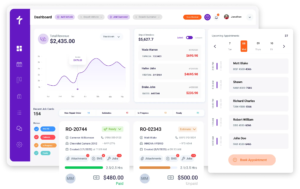
Auto Parts Inventory Management Software
Know What Is on the Shelf Before the Job Starts
Auto parts inventory management software tracks every hard part and shop consumable you carry, updates the count as parts move, and shows what is left before a job stalls waiting on something the system said you had. Torque360 auto repair inventory management software gives shops a searchable parts catalog, live stock levels, purchase order management, and counts that update the moment a job consumes stock. Trusted by 1,000+ repair shops across the auto, truck, motorcycle, RV, and powersports industries.
How Does Parts Inventory Tracking
Work in a Shop?
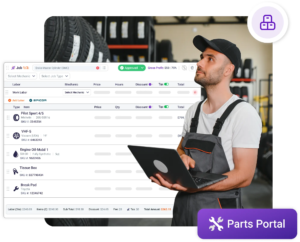
Torque360 parts inventory tracking software keeps stock tied to the jobs that consume it. Every catalog item carries a quantity, a cost, and a vendor, and every part added to a job updates the count on its own.











What Does Weak Parts Inventory Control Cost a Shop?
Weak inventory control drains a shop in four places at once, and most shops are running at least two of them without measuring either. We call these the four inventory leaks: phantom stock, panic buying, dead stock, and unbilled parts.
How Do You Get Every Part Into a Single Catalog?
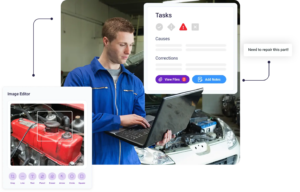
The Torque360 Parts Catalog holds every part and shop supply in one centralized parts view, searchable by name or number. Shops running this auto inventory management system stop keeping one list in a spreadsheet, another in a drawer, and a third in somebody’s memory.
How Does Stock Update as Parts Move Through Jobs?
Real-time parts stock tracking means the number changes when the part changes hands, not at the end of the week. In Torque360, that adjustment happens as jobs consume parts, so the figure on screen matches what is actually left.
How Do You Restock Parts Before the Shelf Empties?
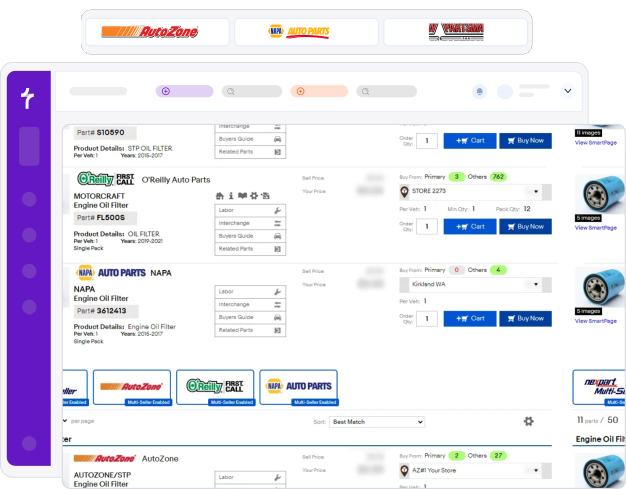
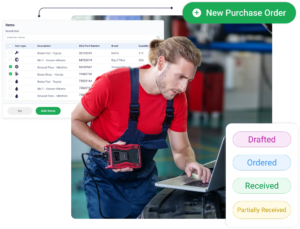
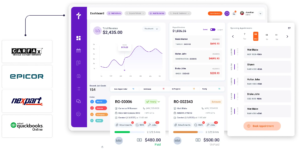
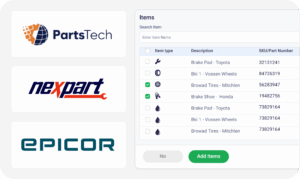
Restocking starts with knowing what is actually on hand, which is why stock levels sit beside the job and the purchase order. Torque360 covers purchase orders, bills, and returns, while supplier sourcing carries on inside integrated parts ordering through Nexpart, PartsTech, and Epicor.
How Do You Keep Physical and System Counts Aligned?
Barcode scanning inventory keeps the shelf and the software telling the same story. Every quantity typed in by hand is one more chance for the two to disagree, which is how a shop ends up with numbers nobody acts on.
How Do Inventory Reports Show What to Keep Stocked?
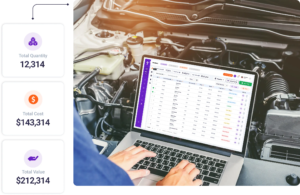
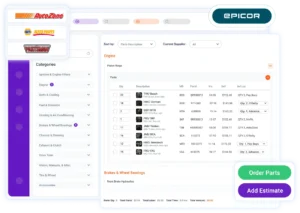
Inventory value and turnover reports answer two questions every owner should know without hunting: what the shelves are worth today, and how much of that stock moves. Vehicle parts inventory management is half finished when you know what you hold but not what holding it costs.
Which Shops Need Parts Inventory
Software Most?
Not every shop needs stock control, and pretending otherwise wastes a buying decision on software that sits unused. Car repair shop inventory software earns its place once parts move through the building faster than a person can keep straight.


How Does Inventory Connect to the Shop Workflow?
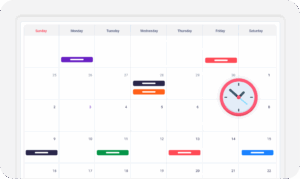
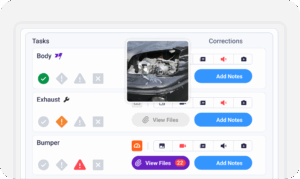
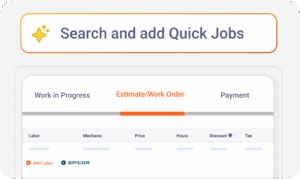
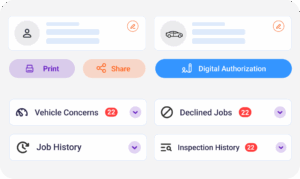
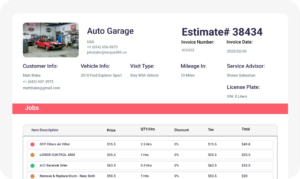
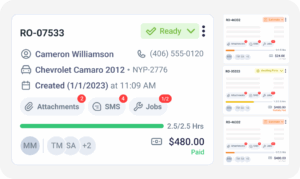
Parts inventory is not a standalone module bolted onto the side of Torque360. Stock links to estimates, repair orders, invoicing, quick checkout, and reporting so a single part is counted, quoted, fitted, and billed against the same record.
Which Repair Shops Does Torque360 Inventory Fit?
What sits on the shelf changes with the kind of vehicles coming through the door each week. The same auto parts inventory management software handles all of them from one catalog, and tire businesses can see the full counter workflow on the tire shop management software page.


Case Studies
Better Margin.
Repair shops use Torque360 to keep parts counts honest, cut the time technicians lose hunting for stock, and stop small components from slipping off the invoice. Owners get a shelf they can trust and purchasing decisions backed by what jobs actually consumed.

"Torque360 changed everything for us. On long projects, nothing gets lost anymore. Labor, parts, approvals, it’s all there. Since using it, I haven’t lost a single cent."
View Story
“Torque360 has everything I was looking for. From scheduling and tracking jobs to QuickBooks Online integration and Torque Pay, it helps me stay organized.”
View Story
"We were doing estimates and tracking jobs manually, and it caused delays and confusion. Now with digital estimates and invoicing, everything is faster and more organized."
View Story
“Torque360 makes everything easy, efficient, and professional. Each invoice only takes about one to two minutes now. I recommend it 100%.”
View Story
"Torque360 helped us bring everything into one place. Jobs, parts, and invoices are easier to manage, and the shop runs more smoothly day to day. It gives us the structure we needed."
View Story


“Nexpart integration in Torque360 is a lifesaver. I can check pricing and availability without leaving the screen and order parts while I’m still working on the estimate. I LOVE this feature.“

“I’m no spreadsheet guy. Torque360’s auto parts inventory management software tells me exactly what we’ve got, what we’re low on, and even helps reorder parts. It just works.”
“Honestly, the best car repair shop inventory software we’ve tried. It’s simple, powerful, and our team picked it up right away. Inventory mistakes? Gone.”

“We integrated Nexpart and PartsTech through Torque360, and it’s been a game changer. It’s like having the entire vehicle parts inventory management world at your fingertips. And all of it happens inside the software!”